

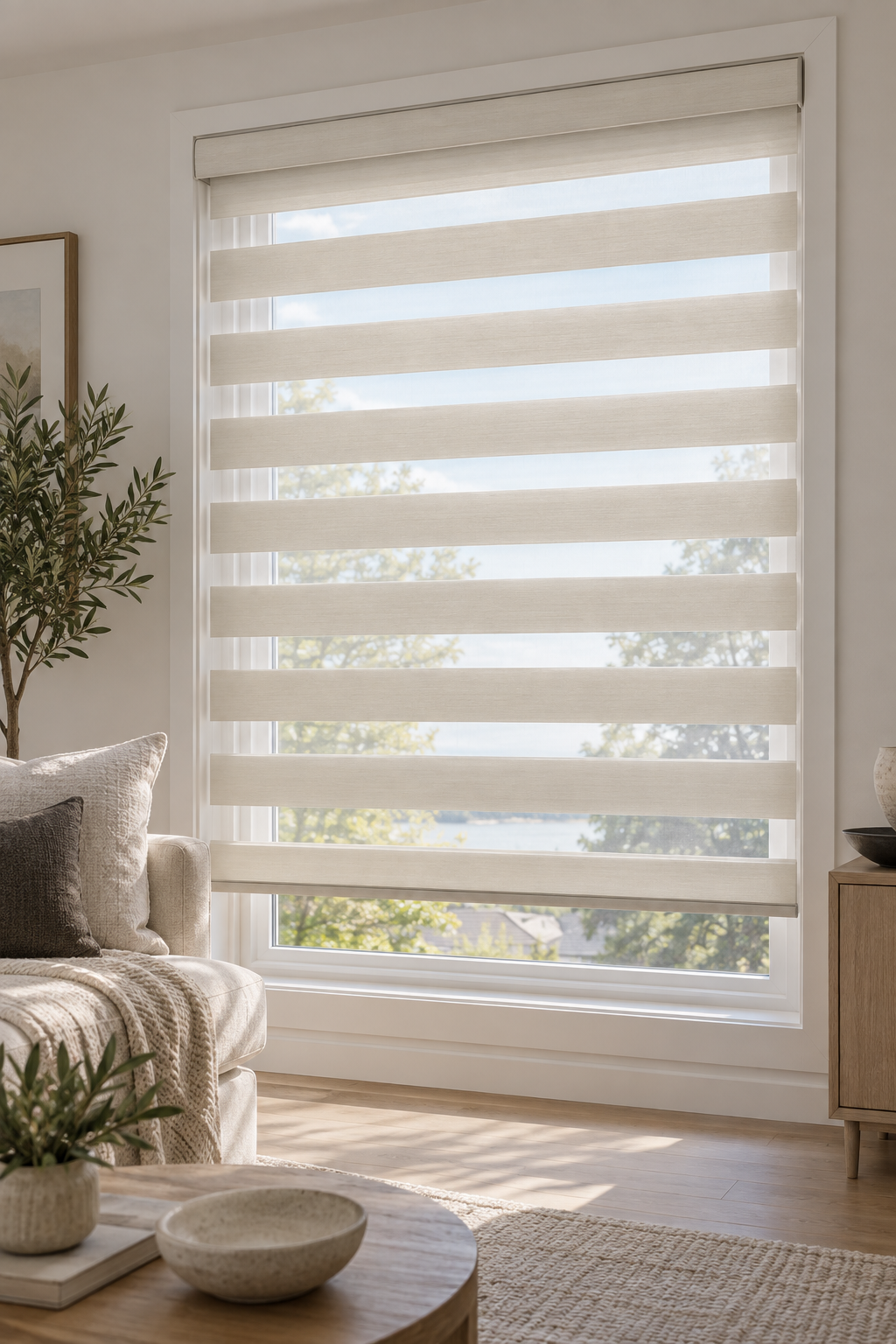
Smart blinds can be operated by voice, but voice control is not guaranteed simply because a blind is motorized. The exact motor, manufacturer app, bridge or hub, power arrangement, and supported voice platform must work together. Confirming those details before ordering or pairing can prevent frustrating compatibility and installation problems.
Quick summary

- Remote-controlled, automated, and smart blinds offer different levels of control.
- Check the exact motor system, manufacturer app, required hub or bridge, and supported platform before you buy.
- Confirm power, charging, network access, grouping, and manual-operation requirements during planning.
- Pair the blind through its manufacturer app before connecting it to a voice assistant or smart-home platform.
- Voice control changes operation. It does not fix poor measurement, unsuitable opacity, privacy gaps, or blackout limitations.
Remote-controlled, automated, and smart blinds are not the same
A remote-controlled blind responds to a supplied remote or handset. That may be all you need for a hard-to-reach window when direct operation is the main priority.
Automated blinds may support schedules, grouped movement, or other programmed actions. Smart blinds go further by connecting to a broader control platform through a manufacturer app, bridge, hub, or compatible network connection. That broader connection may enable voice commands, but only when the specific system supports the platform you want to use.
| Control type | What it usually provides | What to confirm |
|---|---|---|
| Remote-controlled | Direct operation from a dedicated remote | Remote type, pairing, range, and individual or grouped control |
| Automated | Programmed actions such as schedules or groups | Available automation features, power, and control method |
| Smart | Connection to an app or wider smart-home platform | Exact motor, app, hub or bridge, network, and supported voice platform |
A motor inside a roller blind, shade, or other covering does not automatically make that product voice compatible. The motor, controls, software, and platform must communicate with one another. Lavish Blinds’ automated or smart blinds guidance explains why the exact motor and control arrangement should be confirmed before ordering.
Compatibility checklist before you order or connect

Before buying smart blinds or attempting a setup, collect the product and control details. If you are working with an existing installation, look for the motor model, remote model, manufacturer label, app name, or installation documentation.
- Exact motor: Confirm the motor model, not just the blind style or product family.
- Manufacturer app: Check which app pairs with the blind and whether it is required for initial setup.
- Bridge or hub: Determine whether a separate device is needed to connect the motor to your chosen platform.
- Supported platform: Verify compatibility with the specific voice assistant or smart-home system you intend to use.
- Power arrangement: Confirm whether the blind uses a battery, rechargeable power source, or another arrangement, and how it is accessed for maintenance.
- Network requirements: Ask whether Wi-Fi, a hub, or another connection is required.
- Grouping: Check whether one command can operate several blinds and where groups are created.
- Manual override: Find out how the blind works if the remote, app, network, or power supply is unavailable.
- Retrofit limitations: Do not assume an existing blind or tube can accept a new motor.
Compatibility must be confirmed for the complete system. A motor may work with its own remote but not with a voice assistant, or it may require a bridge that is not included in the quoted scope. Ask for the exact supported configuration rather than relying on a general statement that the blinds are “smart.”
What voice control cannot fix
Voice commands affect how a blind moves. They do not change whether it fits the window, provides enough privacy, or has the right fabric opacity. A technically successful smart setup can still disappoint if the original window-covering choice was unsuitable.
Voice control will not correct inaccurate measurements, side gaps, top gaps, obstructions, or a mounting position that allows unwanted light around the covering. Motorization also does not turn a light-filtering blind into a blackout blind. For rooms where darkness matters, consider fabric, fit, mounting position, and surrounding window conditions separately from the operating system.
In a bedroom, the priority may be privacy and stronger room darkening. In an office, glare control and consistent operation may matter more. At a large or high window, motorization may improve access, but professional measurement remains important because convenience cannot compensate for a poor fit.
Lavish Blinds’ discussion of blackout roller blinds and light control is useful when comparing operation with opacity, mounting, and edge-gap considerations.
A platform-neutral smart blinds setup sequence
1. Identify the complete system
Record the blind type, motor model, remote, manufacturer app, hub or bridge, and intended voice platform. If any detail is unknown, pause before buying accessories or attempting a retrofit.
2. Install the manufacturer app
Use the manufacturer’s app and documentation for initial pairing. Check that the app recognises the motor and offers the controls you expect before connecting the blind to a wider platform.
3. Confirm power or charging
Power the blind according to its instructions. Establish where the power source is located and how it will be accessed later. For wiring or uncertain electrical requirements, use qualified professional help.
4. Pair each blind
Pair one blind at a time where possible. Test opening, closing, stopping, and position control in the manufacturer app. Label each blind clearly so rooms are not confused.
5. Connect the supported voice platform
Only after the blind works in its manufacturer app should you connect the supported voice assistant or smart-home platform. Compatibility depends on the motor, app, bridge, hub, and platform together.
6. Assign rooms and groups
Give each blind a simple, distinct name and assign it to the correct room. Test individual commands before creating groups.
7. Add automations only after testing
Add schedules and routines after individual and grouped controls work reliably. Start with one simple action and keep manual operation available.
Plan power, access, and installation before pairing
Smart blind planning begins before the app is opened. During design and measurement, discuss the window’s size, access, mounting surface, furniture clearance, controls, and power sources.
Condo owners may need to account for building access, elevator bookings, permitted installation hours, or other rules. Office managers may need to coordinate access cards, working hours, meeting rooms, and the person responsible for the smart-home account. Skylights, tall windows, oversized openings, and windows behind furniture may require extra attention to charging, servicing, and manual access.
Discuss controls and automation along with power or network requirements before approving the order. This helps reduce the risk of overlooking a hub, charging point, access route, or account owner.
Clear records also make troubleshooting easier when devices are moved or replaced. For related equipment planning, these wireless setup tips offer a useful reminder to document device names and recovery steps.
Troubleshooting common voice-control problems
The blind appears unavailable
Check whether the blind has power, whether the app can control it, and whether the hub or bridge is connected. If the manufacturer app cannot reach it, the problem is likely earlier in the chain than the voice assistant.
Pairing fails
Confirm the correct app and motor instructions, power, and connection range. Do not repeatedly reset the blind without recording the existing configuration. If the motor model is unclear, consult the documentation or installer.
The voice command is missing
Check that the supported platform connection is complete and that the correct account is being used. Confirm that the blind has a unique name and is assigned to the intended room.
A group moves inconsistently
Test each blind individually in the manufacturer app. A group may contain an incorrectly named device, a blind with low power, or a device that has lost its connection.
The blind moves but does not respond as expected
Check whether the command requests a supported action, such as a position or stop function. Inspect physical obstructions and confirm that the blind was installed and calibrated correctly. Voice control cannot resolve a mechanical, measurement, or installation problem.
When professional measurement and installation are worthwhile
Professional help is particularly valuable for unusual or oversized windows, skylights, multiple coordinated blinds, difficult mounting surfaces, hard-to-reach openings, and installations where power or network access needs planning. It is also sensible when you are unsure whether an existing blind can be retrofitted without compromising fit, appearance, or control.
Lavish Blinds provides made-to-measure blinds, shades, and shutters with personalized design guidance, on-site measurement and quoting, and professional installation. Its window-covering services include motorized and smart options, but the exact platform and control arrangement should be confirmed for the selected system.
Frequently asked questions
Can every motorized blind be controlled by voice?
No. Some use only a dedicated remote, while others support automation or connection to a smart-home platform. Confirm the exact motor, app, hub or bridge, and supported voice platform.
Do smart blinds always need a hub or bridge?
No. Some systems use their own app or network method, while others require an additional bridge or hub. The exact motor’s instructions determine what is needed.
Will voice-controlled blinds work if the internet or power goes out?
Do not assume they will. A power interruption may prevent movement, while a network interruption may affect app and voice commands. Confirm whether a manual override is available.
Can existing blinds be upgraded for voice control?
Sometimes, but suitability depends on the tube, brackets, available space, blind weight, motor compatibility, power arrangement, and desired controls. Have the installation assessed first.
Should smart blind compatibility be confirmed before installation?
Yes. Confirm the motor, controls, hub or bridge, power, network access, grouping, and manual operation before the blinds are ordered and installed.
Conclusion: verify the system before you buy or pair
The safest smart blinds voice control setup starts with compatibility, not with a voice command. Identify the exact motor and manufacturer app, then confirm the supported platform, hub or bridge, power arrangement, network requirements, grouping options, and manual override.
Voice control can make operation more convenient, but it cannot correct poor measurement, unsuitable opacity, privacy gaps, glare, or blackout limitations. For complex windows or uncertain systems, resolve design and installation questions before pairing devices.
For made-to-measure design guidance, measurement, quoting, and professional installation of blinds, shades, shutters, and motorized options in Oakville and the wider GTA, contact Lavish Blinds.